What it is
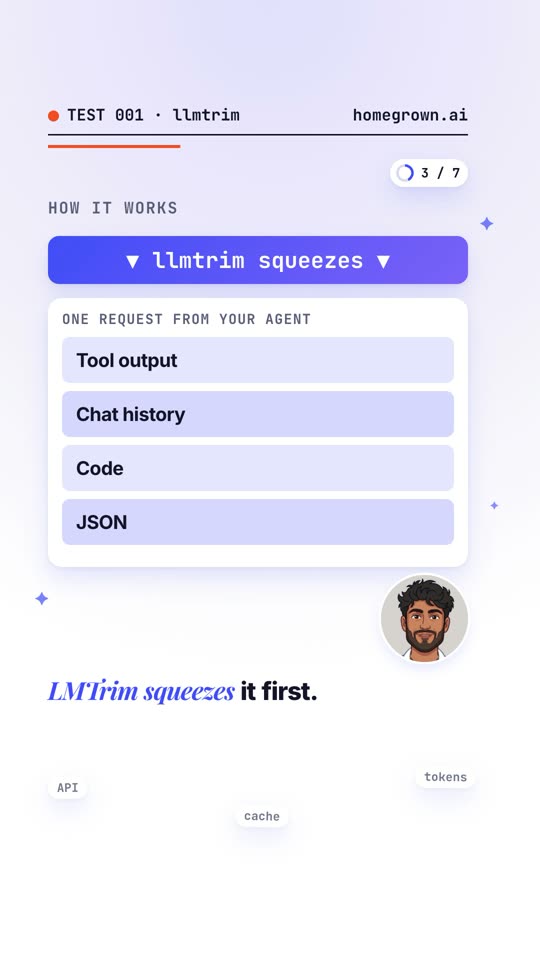
llmtrim sits between your AI tool (Claude Code, Codex, Cursor, your own app) and the provider’s API. Before each request goes out, it compresses the bulky parts: tool output, chat history, code and JSON. Then it forwards the smaller request, and the reply comes back unchanged.
How I tested it
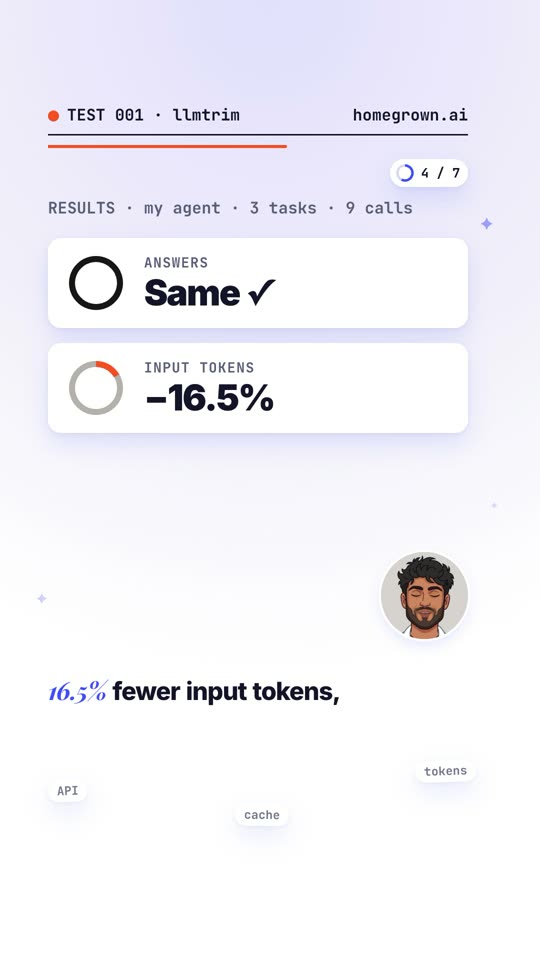
I routed my own AI agent through it on a direct Anthropic API key and ran the same three read-only, real-world tasks with and without it: 9 API calls in all.
| Measure | Without | With llmtrim |
|---|---|---|
| Input tokens | 251,703 | 210,108 (−16.5%) |
| Answers | Same on all 3 tasks | |
| Extra latency | About 12 ms per call |
Token counts through a proxy are estimates, and savings swing a lot by session, so measure on your own fixed set of tasks. The author reports −31% input tokens across 112 A/B cases; those are the author’s numbers, on a different mix of requests.
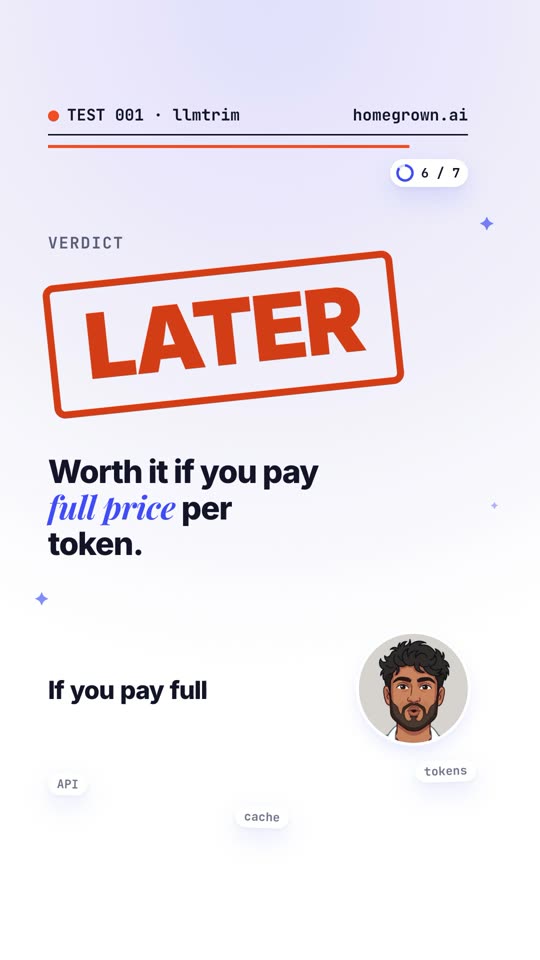
Why it’s LATER for me
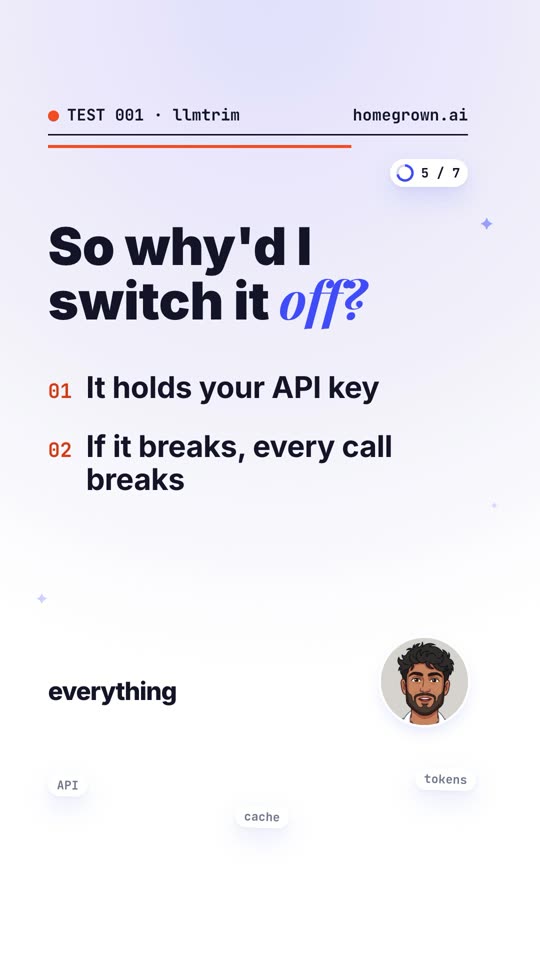
- Every call runs through it, API key included. It doesn’t store keys, but it installs a private certificate so it can read requests in transit (scoped to AI API hosts only).
- It’s a single point of failure. If the proxy breaks, every call breaks.
- Most of my tokens were already cached. Cached input is billed at a fraction of the price, so my real money saved was small.
Worth trying if you pay full price per token and don’t use prompt caching much, for example a custom app or agent calling the API directly.
Safe setup, step by step
Start in safe mode: lossless compression only. The default
automode saves more, but some of its stages are lossy. In the author’s own benchmark, one maths test dropped from 100% to 92%.
- Measure first. Pick 3 real tasks you run often and note the tokens each one uses today.
- Install it.
npm install -g @llmtrim/cli@latest - Set it up.
llmtrim setupadds a private certificate in~/.llmtrim/, your shell’sHTTPS_PROXYsetting and a login service. To keep it to one app, set the proxy only in that app’s environment.llmtrim setup - Switch to safe mode. Or add
preset = "safe"to~/.config/llmtrim/config.toml.export LLMTRIM_PRESET=safe - Check it’s capturing traffic.
llmtrim doctor - Re-run your 3 tasks and compare tokens and answers.
llmtrim statusshows the savings. - Keep it only if the saving is clear. Otherwise remove everything in one command:
llmtrim uninstall
Commands checked against the project’s README on 2026-11-02. GitHub Copilot doesn’t work through it (certificate pinning).